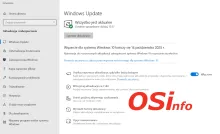
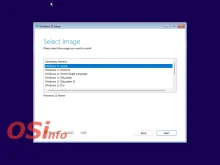
In 2025, just before the official end of technical support for Windows 10, Microsoft launched a program to extend security updates for consumers until October 13, 2026. That date is no longer valid.
According to the latest information, support for ESU has been extended to October 12, 2027.
The Extended Security Updates (ESU) program for Windows 10 is designed to provide customers with a more secure option for continuing to use Windows 10 computers after October 14, 2025.
Recently, many news sites reported on the release of a version of Notepad++ for Mac computers. As it turns out, this version has nothing to do with the original program and infringes on its trademarks.
The author of the original Windows version of the program posted a message in which he explicitly states that a trademark infringement has occurred.
Today we’ll take a look at the memory pre-fetching feature. This feature was introduced over 20 years ago in Windows XP. Does it still make sense to use it?
As we mentioned earlier, memory pre-fetching was introduced in Windows XP. How does it work?
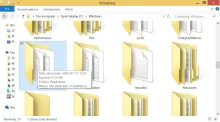
Windows analyzes the programs that run with the system and creates special *.pf files in the \Windows\Prefetch folder.
These small files contain information about a given application and how often it is launched. PF files contain:
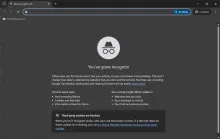
Incognito mode has been available in web browsers for many years. It limits the amount of data the browser saves to your device. However, this mode does not guarantee complete anonymity. Meanwhile, social media is rife with videos spreading misinformation about this mode and the options for deleting browsing history.
Windows 10 was released on July 29, 2015. Ten years have passed since then. As a result, the operating system should no longer receive technical support. Will that happen?
According to Microsoft’s previous announcements, technical support is scheduled to end on October 14, 2025.
Initially, it was announced that companies would be able to purchase additional technical support. However, this option did not apply to home users.
To everyone’s surprise, it was soon announced that regular consumers would also be eligible for extended support.

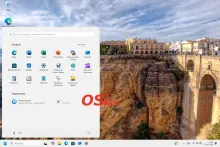
With the release of Windows 11 in 2021, one of the most criticized changes to the system was the relocation of the Start button to the center of the taskbar. Initially, there was nothing that could be done about this change. However, in later versions of the system, there is an option to restore the button to its classic location.
The following description is based on Windows 11 version 24H2.
To restore the classic icon layout on the taskbar, use the system Settings. To do this, click on the Start menu and select Settings from the available options.
Copyright 2026 - OSInfo | HiperInfo.pl | Grzegorz Skulimowski