
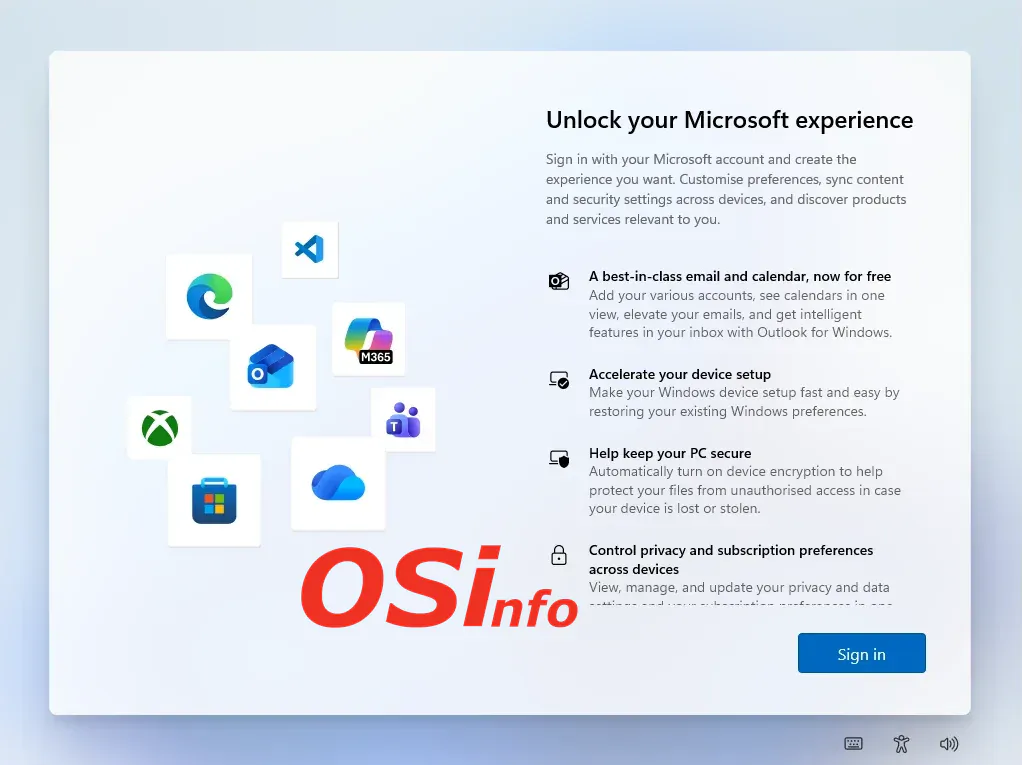
In one of our previous articles, we walked you through the process of installing Windows 11. That guide covered a standard installation using a Microsoft account. But what if you only want a local account?
During the Windows 11 installation, one of the required steps is to sign in to or create a Microsoft account.
In a standard installation, an account is required, and you cannot complete the entire process without one. But is that really the case?
What should you do when the installation reaches this point?
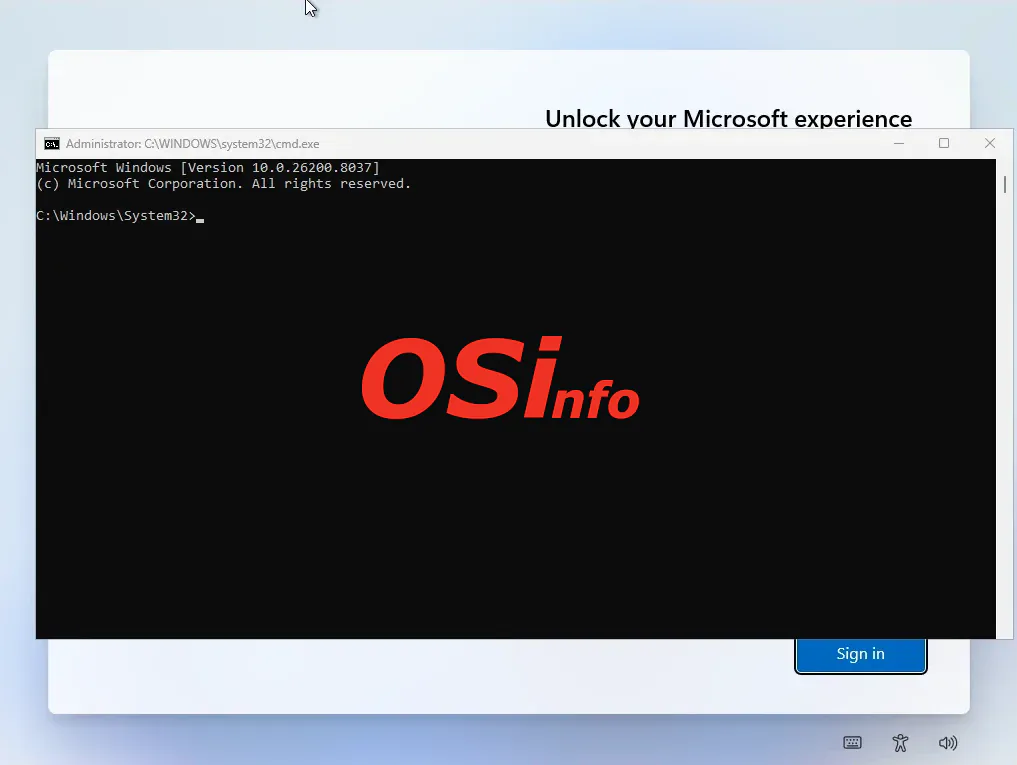
We'll use a keyboard shortcut to open the console. Press SHIFT+F10 at the same time. This should open a command prompt window:
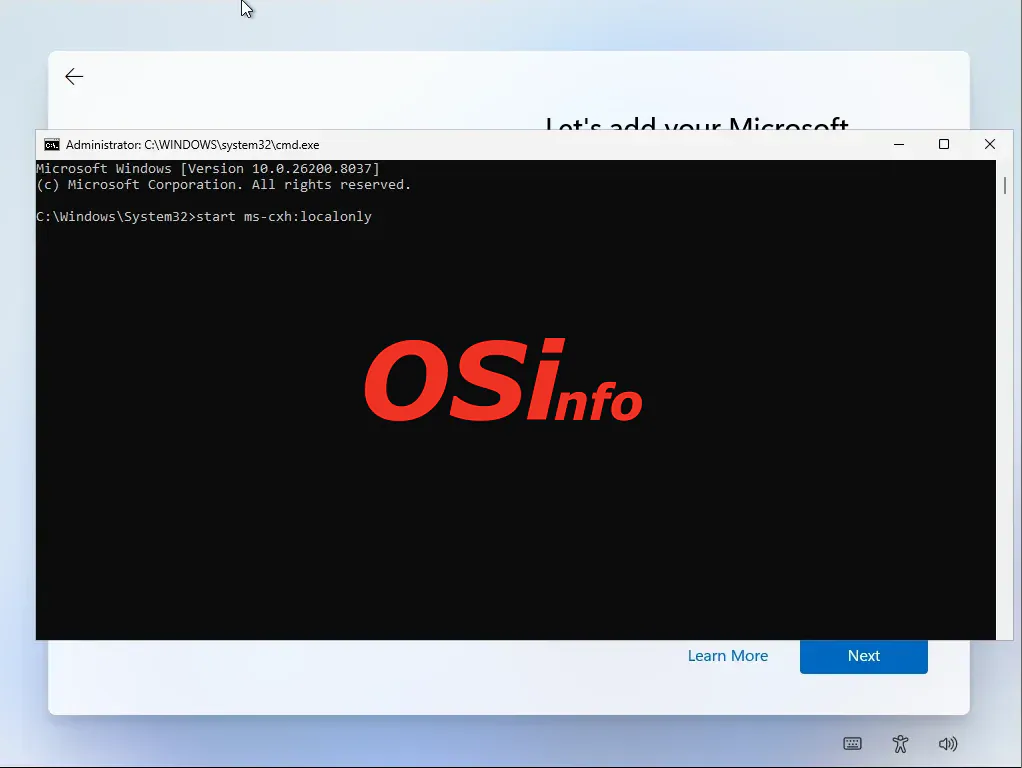
Next, type the command start ms-cxh:localonly and press Enter.
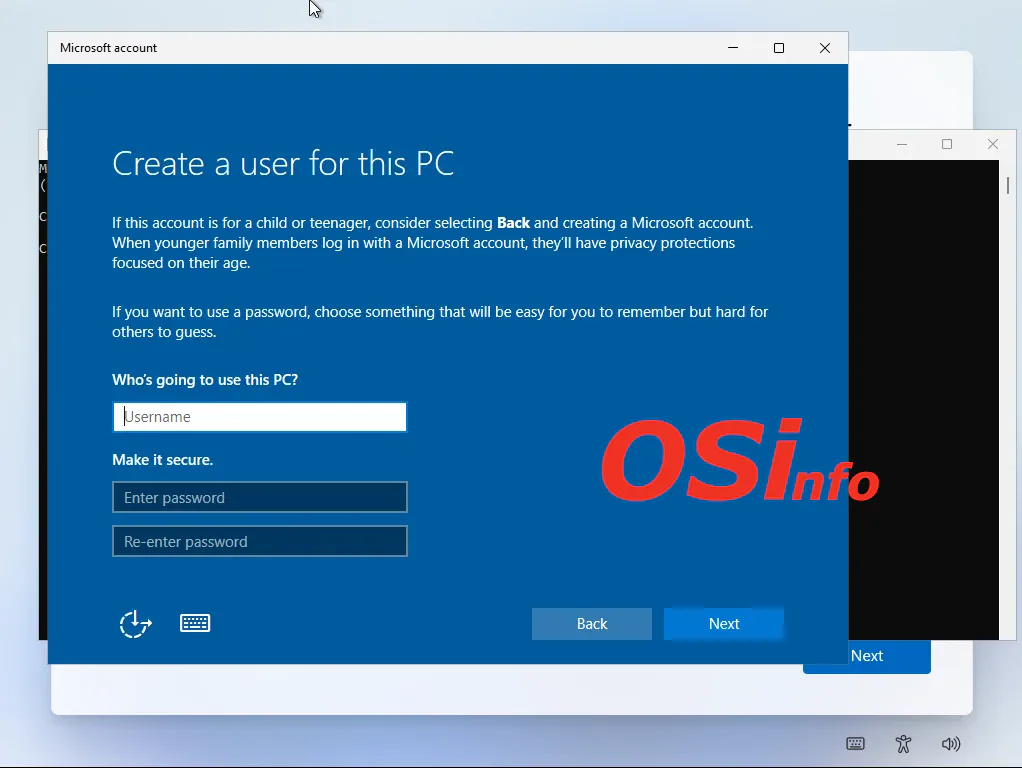
After a moment, a window will appear where you can enter your username and password (if required):

After entering your username and clicking Next, the installer will continue using your local user account.
Add new comment